
 Men’s Merch
 Women’s Merch
 Custom Products
 Kids
Kids RACE Producs
 Brisk
Brisk Motion Raceworks
 Chilly Willys
 Simpson
 Pro 1 Saftey
 Nitrous Outlet
 Fuel Injector Connection
 Menscer Motorsports
 Speedwire
 Holley
 The Hopped Up Pump
 Extreme Brand
 Davis
Davis Innovative Racecraft
 Ready To Load


$99.99
MCCAIN RACING
Holley EFI Shock Velocity Converter
Calculate one or more shock velocity channels from the position sensors already recorded in your Holley EFI V6 datalog. Save a converted .dl file and open it directly in Holley—no additional converter box needed.
WINDOWS 10 / 11 (64-BIT) • DIGITAL DOWNLOAD
Free to download. Purchase a license below to unlock.
YOUR LOG. YOUR SMOOTHING.
Choose No Smoothing, 20, 40, 60, 80 or 100 ms. Automatically detect shock-named channels and choose the velocities you need. Find unused custom inputs, or choose the custom channels to replace. Original shock position channels are preserved.
INSTALLING ON WINDOWS
Run the downloaded installer. If supplied as a ZIP, extract it first. If Windows displays “Windows protected your PC,” click More info, then Run anyway. Only continue with the installer downloaded directly from mccainracing.com.
ONE LICENSE • ONE COMPUTER
Your key is emailed after purchase. Activate online, with up to 30 days of offline use between successful online checks. Deactivate the old computer online before moving your license.
Requires a supported Holley EFI V6 log with position channels calibrated in inches. Each selected velocity replaces one custom Input 1–80 channel in the saved copy.
Need help? ryan@mccainracing.com
McCain Racing Holley EFI Shock Velocity Converter
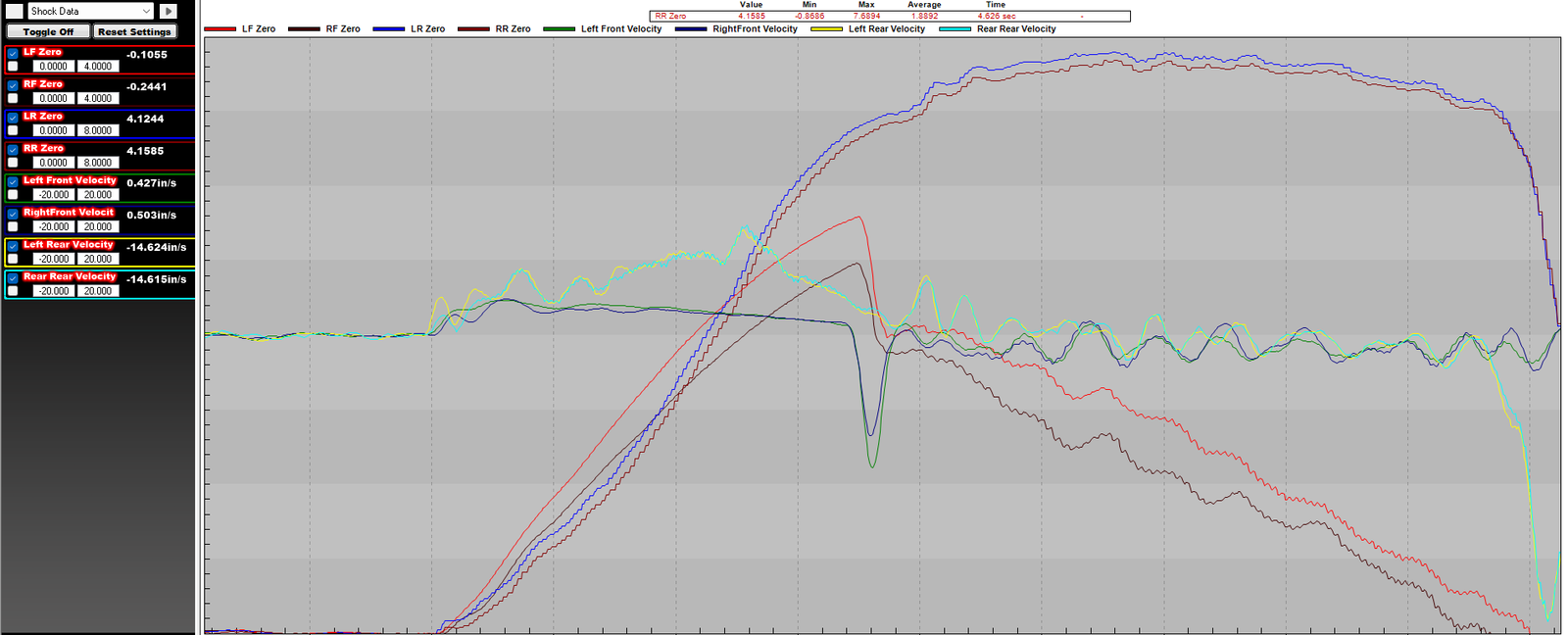
Turn recorded shock position into usable shock velocity—and view the results right inside Holley EFI V6.
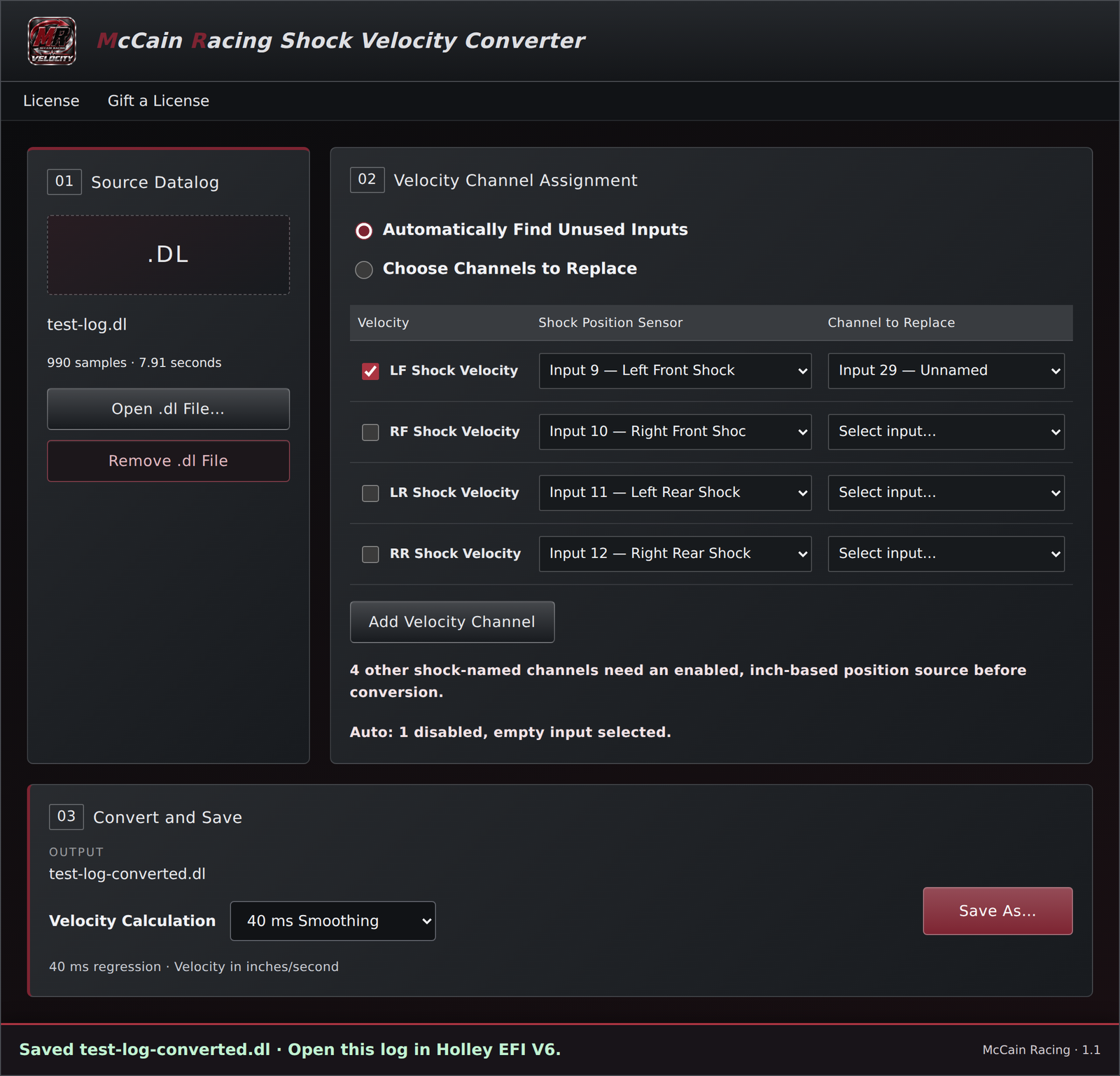
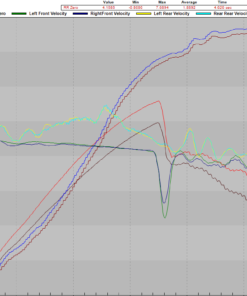
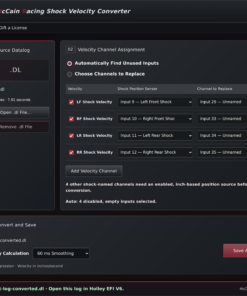
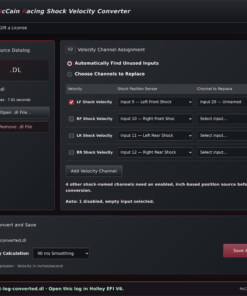
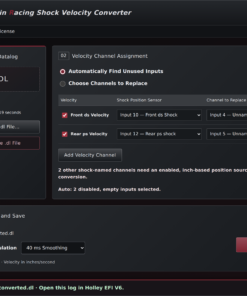
Open your .dl datalog, select one or more detected shock sensors, choose the custom input channels that will hold velocity, and save a converted copy. Open that new .dl file in Holley to compare shock movement with the other channels recorded during your pass. No additional converter box is needed when your datalog already contains calibrated shock position sensors.
WHAT IS SHOCK VELOCITY?
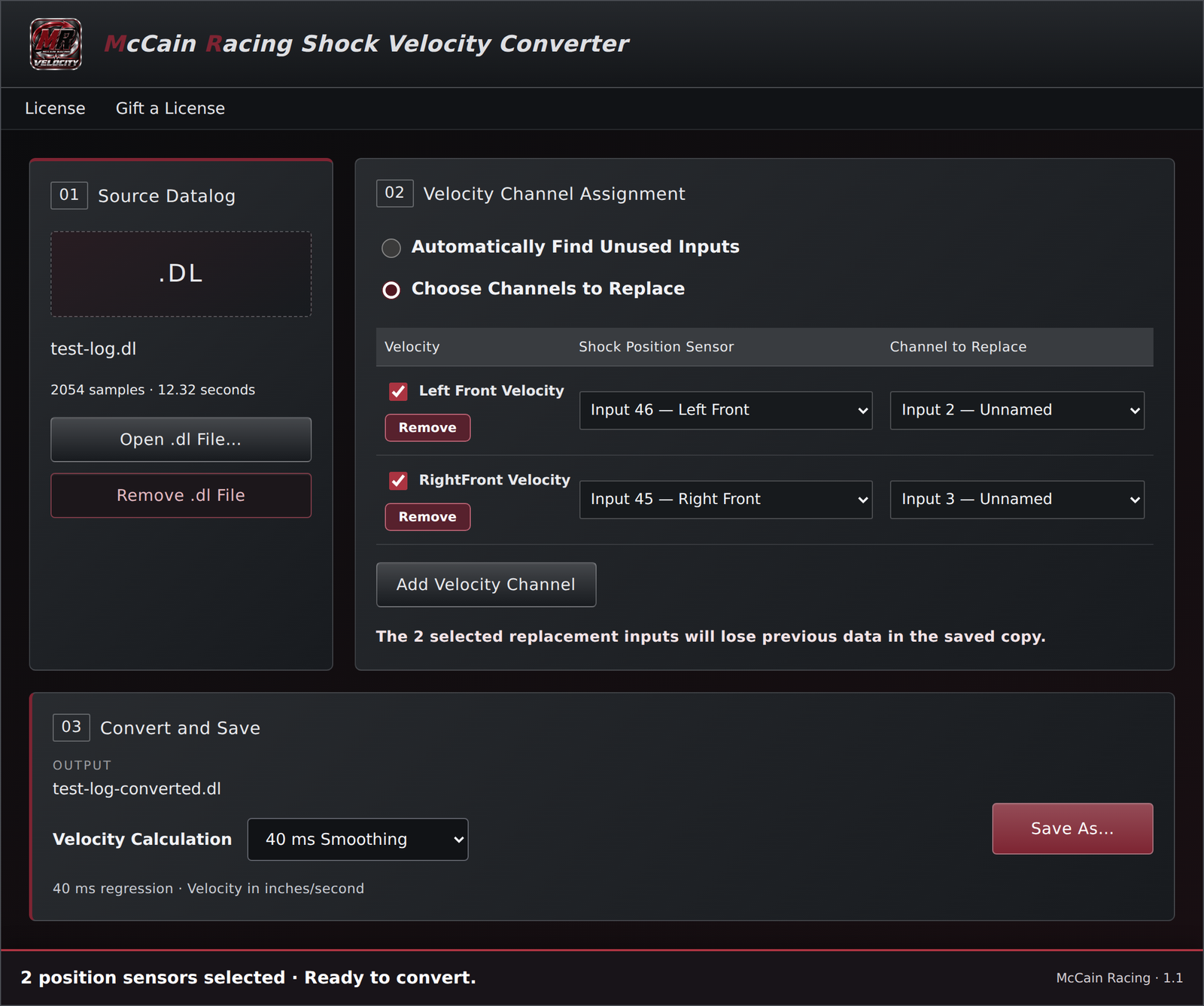
Shock position tells you where the shock is. Shock velocity tells you how quickly it is moving at that point in the run, in inches per second. Moving 0.5 inch in 0.05 second averages 10 in/s; the same travel over 0.5 second averages only 1 in/s. That rate matters because damper force depends on shaft speed and valving. A velocity trace helps you see rapid extension or compression, when movement slows, and repeated reversals that may indicate oscillation. Read it alongside position and the rest of the log: it measures movement rate, not damping force or traction. Positive means increasing recorded sensor position; whether that is compression or extension depends on the sensor mounting and calibration.
FEATURES
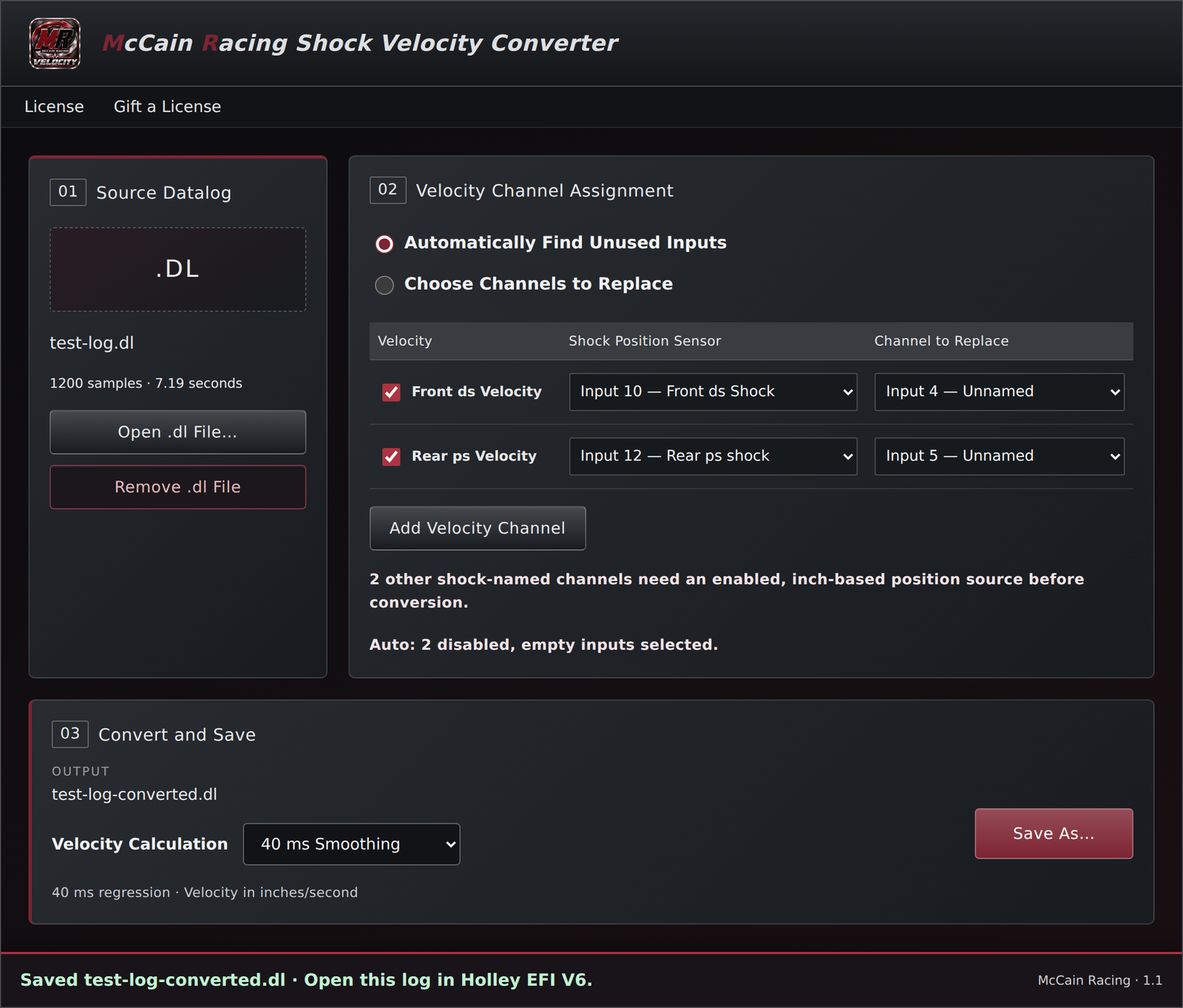
• Automatically detects shock-named channels regardless of capitalization or corner labels. Calibrated inch-based position channels are selected; other matches are noted without adding extra unchecked rows.
• Automatically selects one disabled, empty custom input per selected velocity channel when available.
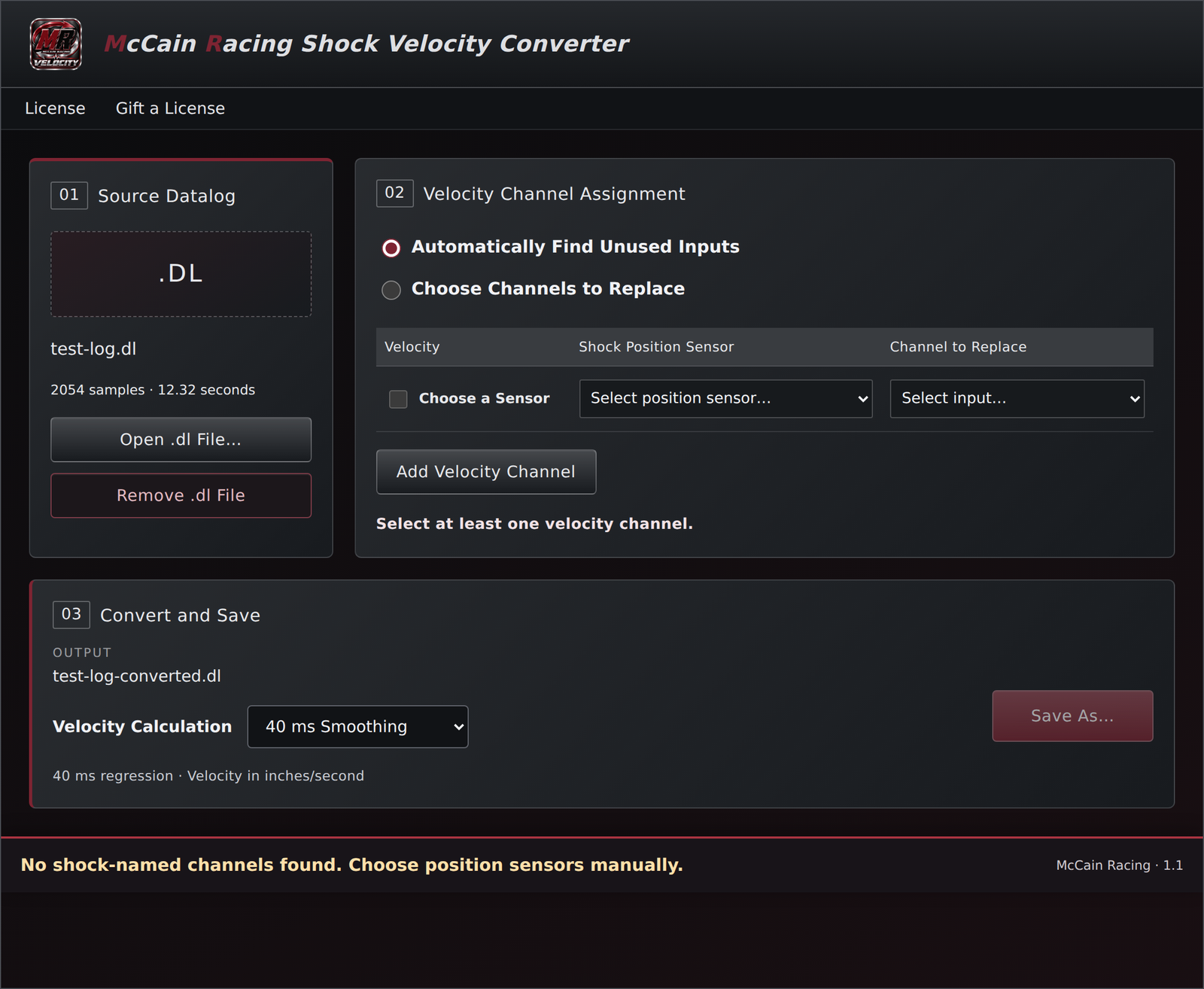
• Lets you choose custom input channels to replace when unused inputs are unavailable.
• Calculates one or more shock velocity channels in inches per second, using the selected sensors’ names.
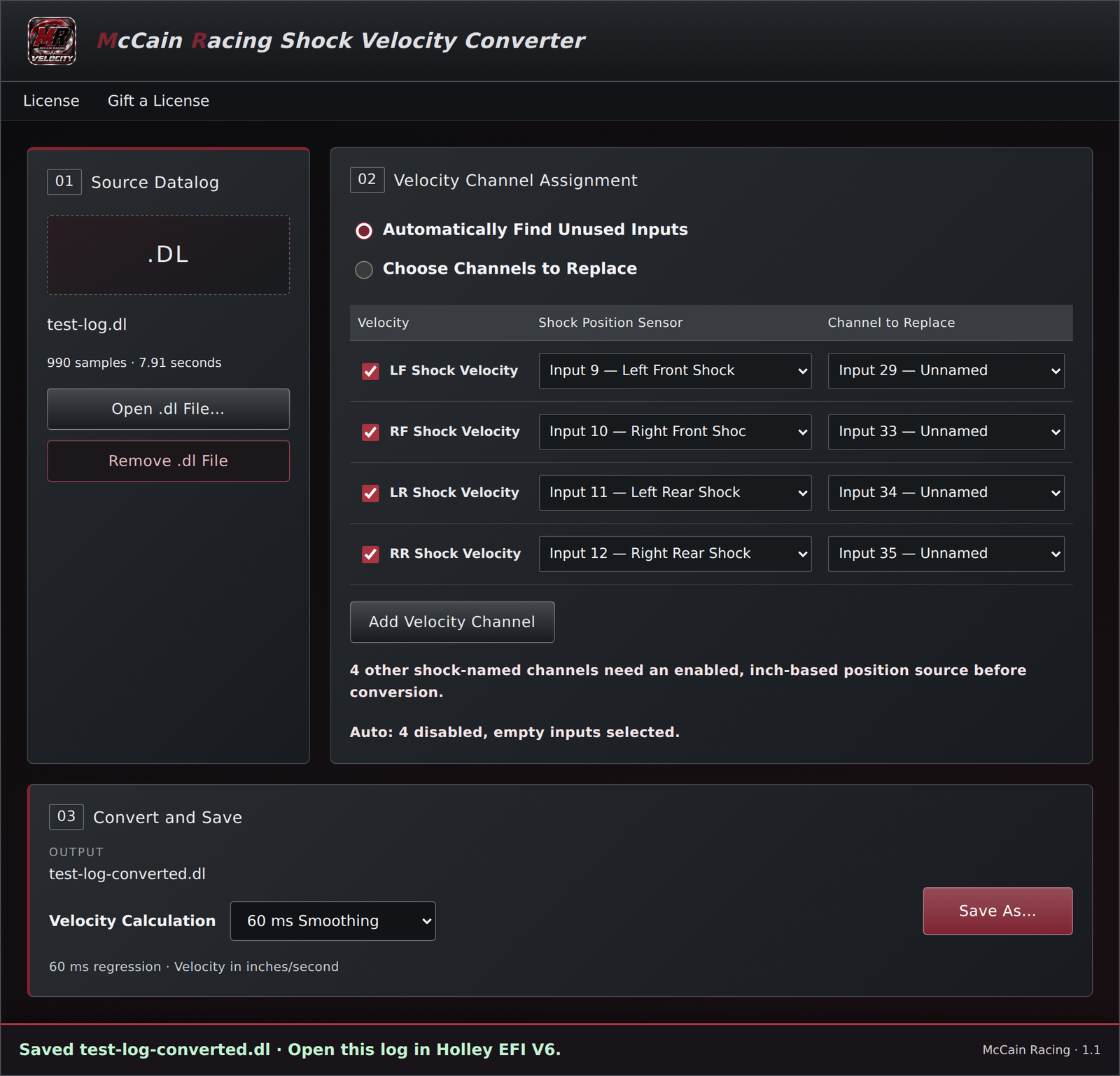
• Offers No Smoothing (0 ms), 20, 40, 60, 80 and 100 ms smoothing. Default: 40 ms.
• Saves a new Holley .dl file to the name and folder you choose.
• Preserves the source datalog and the original shock position channels.
• Uses your familiar Holley EFI V6 datalog viewer for analysis.
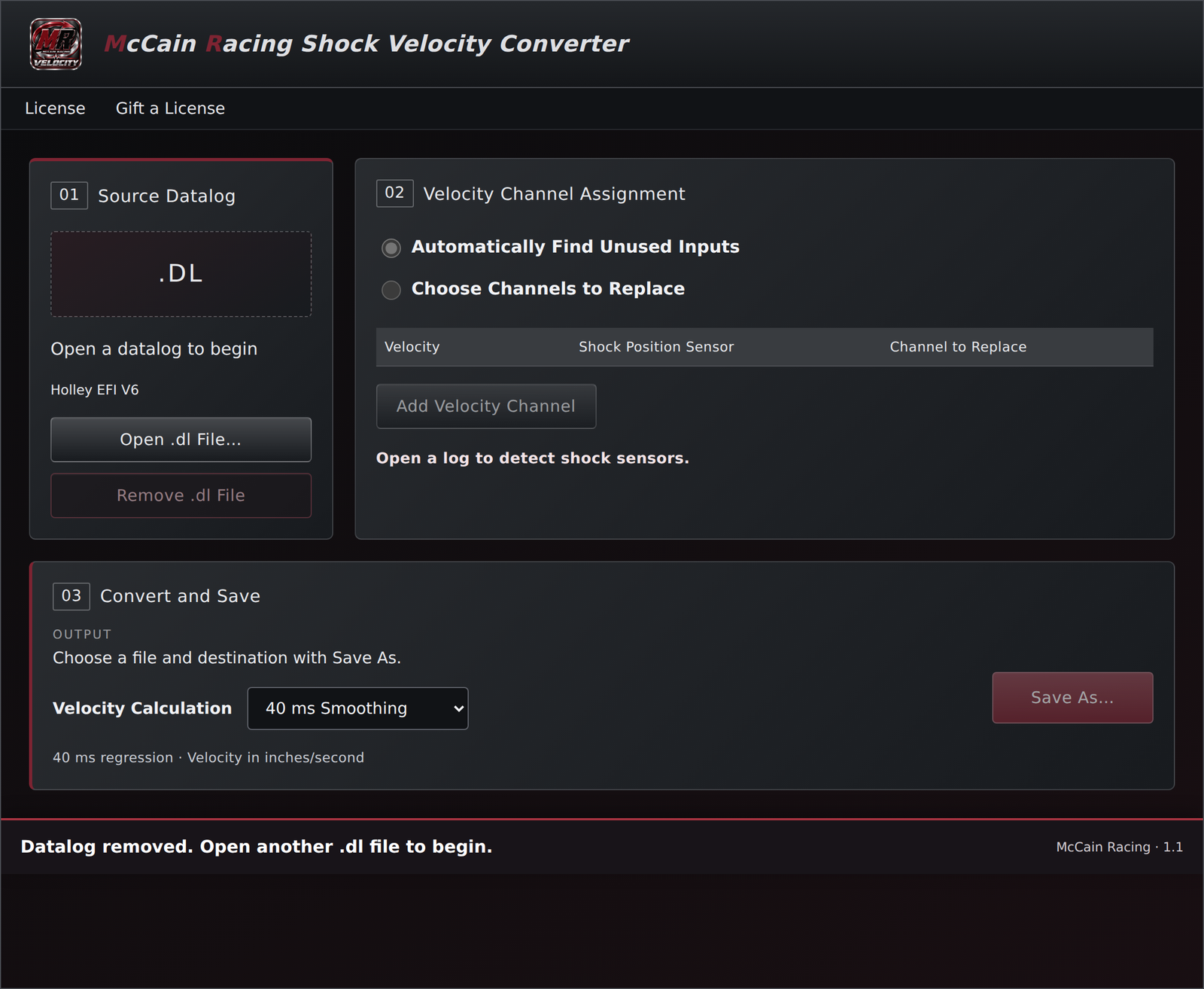
• Remove .dl File clears the current log so you can start another conversion.
CHOOSING SMOOTHING
No Smoothing uses the change in position between consecutive valid samples divided by elapsed time. It keeps sample-to-sample detail, including sensor noise. Smoothed modes estimate the local slope of position across the selected time window. Larger windows reduce noise but can soften short peaks and fast changes. Start at 40 ms for a readable overview; choose a shorter window or No Smoothing when inspecting quick events. Smoothing does not increase the log’s recording rate.
GETTING STARTED
1. Download the software. Download the Windows installer. If your download is packaged as a ZIP, right-click it, select Extract All, and open the extracted folder.
2. Install the converter. Run the installer on your Windows 10 or 11 64-bit computer and follow the instructions. If Windows displays “Windows protected your PC,” click More info, then Run anyway. Only continue with the installer downloaded directly from mccainracing.com.
3. Purchase your license. The software is free to download and install. A purchased license key is required to unlock it. Your key will be emailed to the address used at checkout.
4. Activate your computer. Open the software, select Licensing, enter your key, and click Activate This Computer while connected to the internet. Click Open Converter to continue.
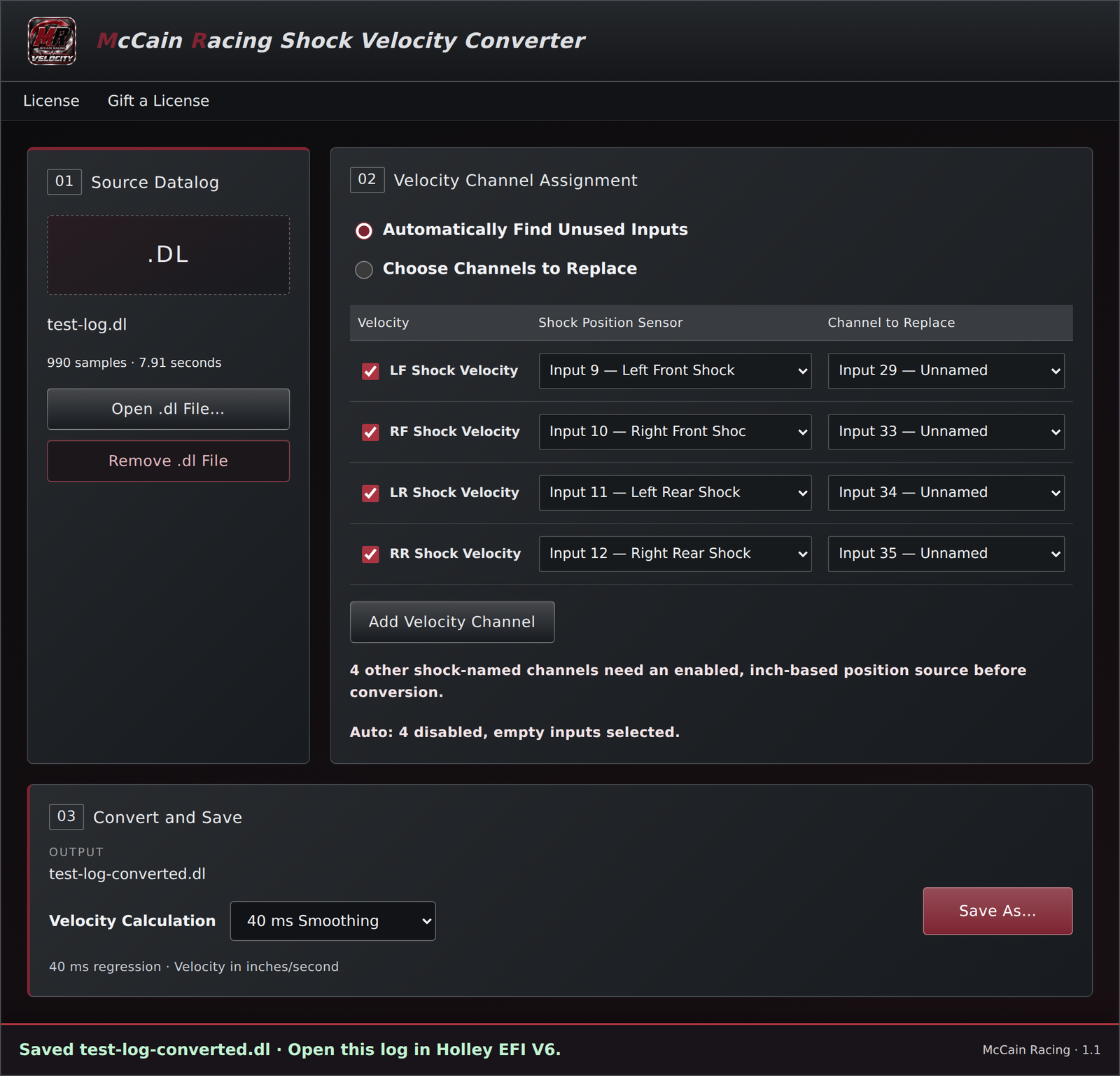
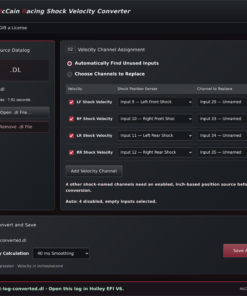
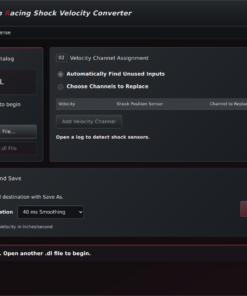
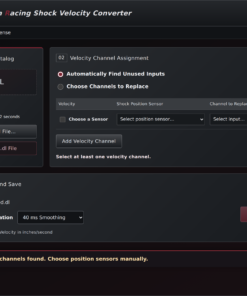
5. Open your datalog. Click Open .dl File and select your Holley EFI V6 log. Review the detected shock channels and check the velocities you want. Choose any additional inch-based position sensor manually using Add Velocity Channel.
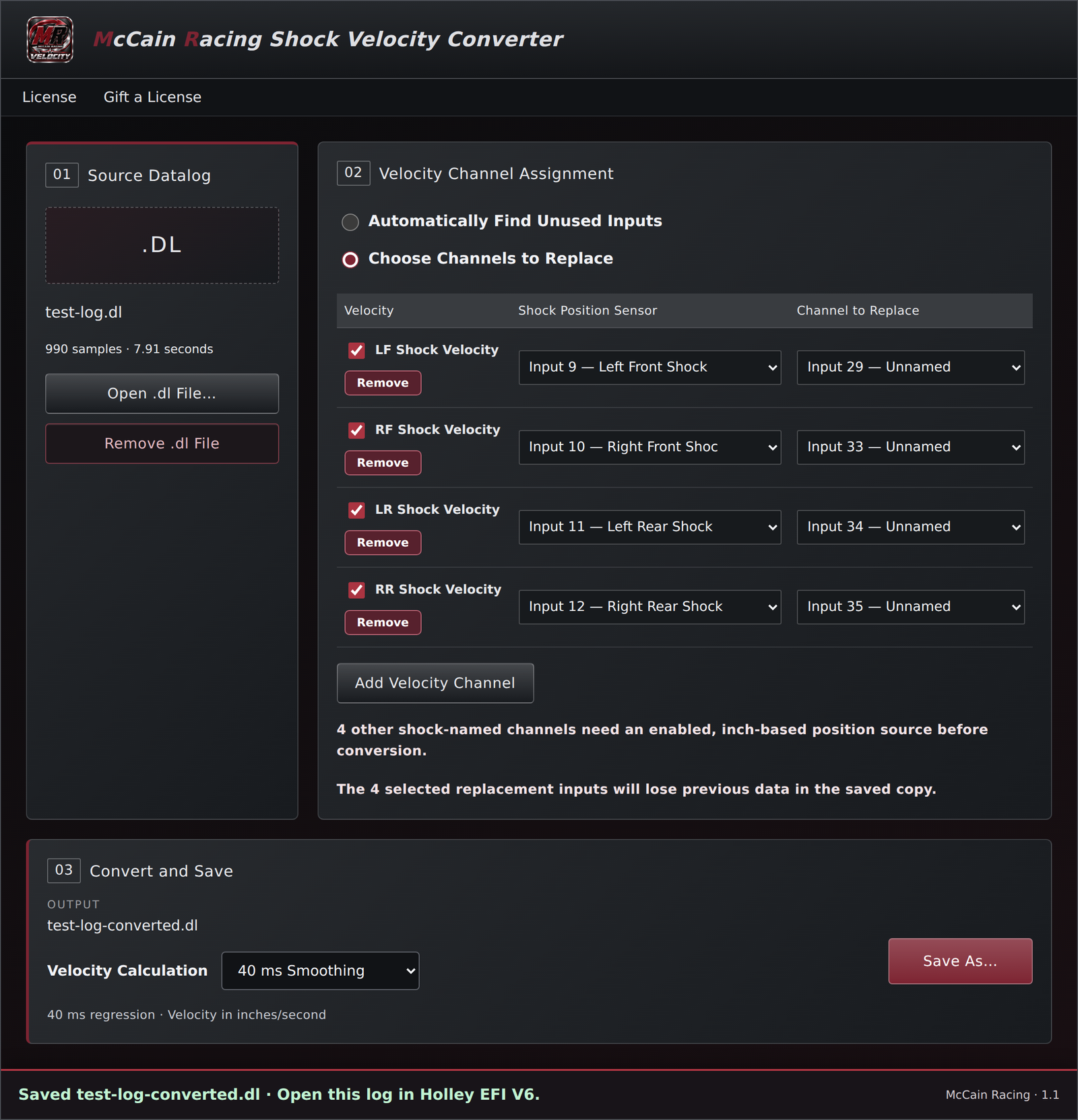
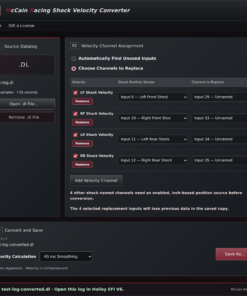
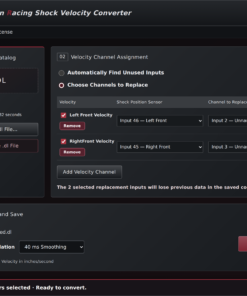
6. Choose the velocity channels. Use Automatically Find Unused Inputs, or Choose Channels to Replace and select one custom input per selected velocity that you no longer need in the converted copy.
7. Choose smoothing and save. Select your smoothing setting, click Save As, and choose the new file name and folder—for example, test-log-converted.dl.
8. Open the converted file in Holley. Select the generated velocity channels to view the calculated movement rates alongside your recorded data.
COMPATIBILITY AND CHANNEL REPLACEMENT
Designed for the supported Holley EFI V6 .dl layout and one or more recorded position channels calibrated in inches. Unknown log layouts are rejected. Each selected velocity replaces one custom Input 1–80 channel in the saved copy; those chosen channels lose their previous data in that copy. Standard built-in channels, such as Knock Level, cannot be used as replacement slots. Your original log and source shock position channels remain available.
LICENSE INFORMATION
Each perpetual license allows one computer at a time, with up to 30 days of offline use between successful online checks. To switch computers, select Deactivate This Computer on the old computer while online, then activate the same key on the new one. Uninstalling alone does not release the activation.
Questions or installation help? Email ryan@mccainracing.com.
Be the first to review “McCain Racing Holley Efi Shock Velocity Converter (Digital Download)”
Related products


Reviews
There are no reviews yet.