McCain Racing 4 Link Plotter
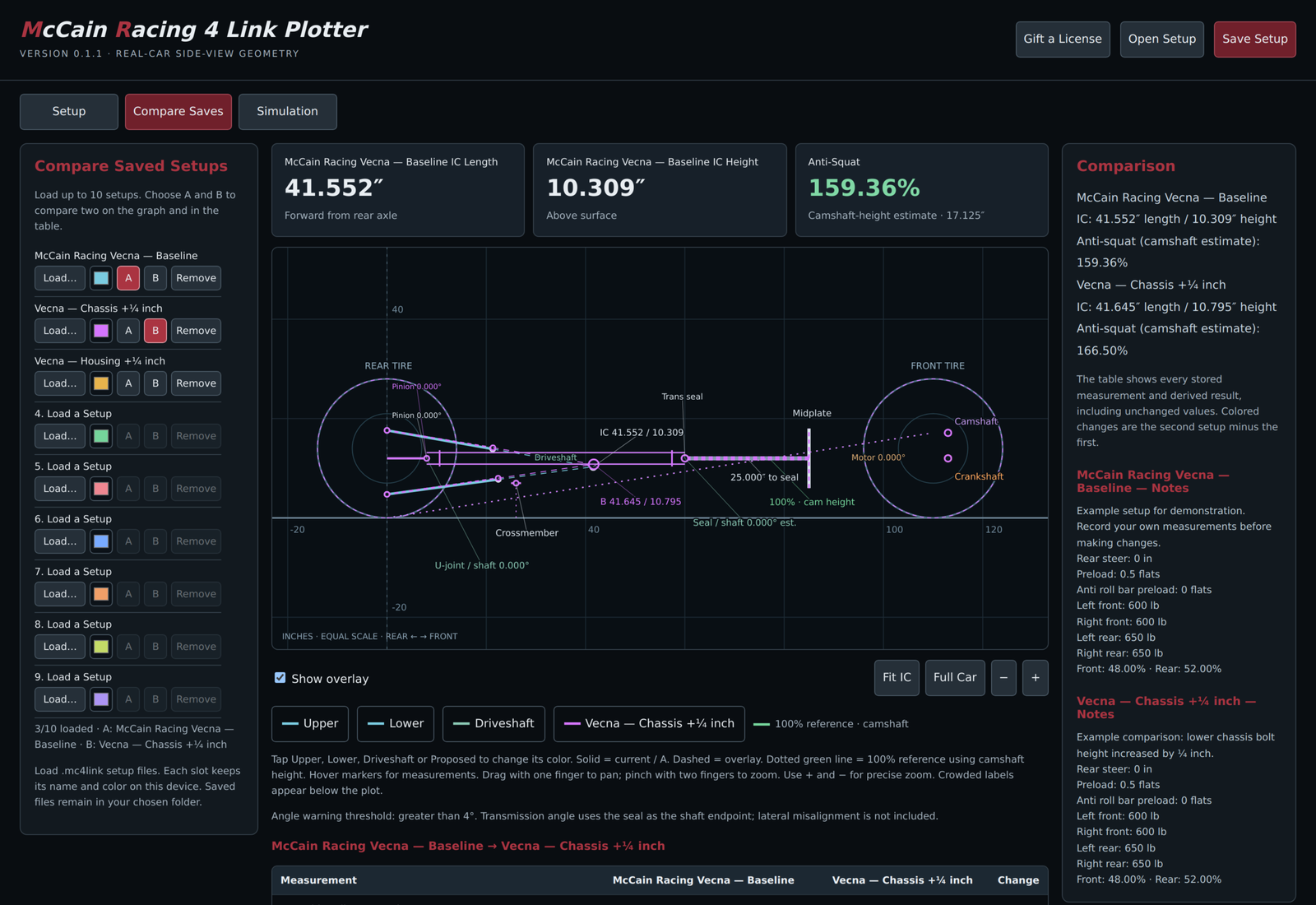
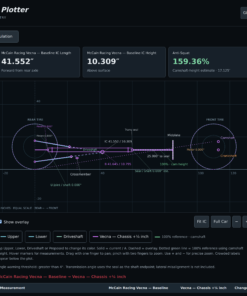
See where your four-link is and compare changes before moving bars. Check instant center height and length, compare up to 10 saved setups, preview suspension travel, check driveline angles, and keep your setup notes together.
Getting started
- Download the software. Download the ZIP file, right-click it, select Extract All, and open the extracted folder.
- Install the plotter. Run the installer on your Windows 10 or 11 computer and follow the instructions. If Windows displays “Windows protected your PC,” click More info, then Run anyway to continue. Only do this for the installer downloaded directly from mccainracing.com.
- Purchase your license. You can download and install the software for free. A purchased license key is required to unlock it. Your key will be emailed to the address used at checkout.
- Activate your computer. Open the software, select Licensing, enter your key, and click Activate This Computer while connected to the internet.
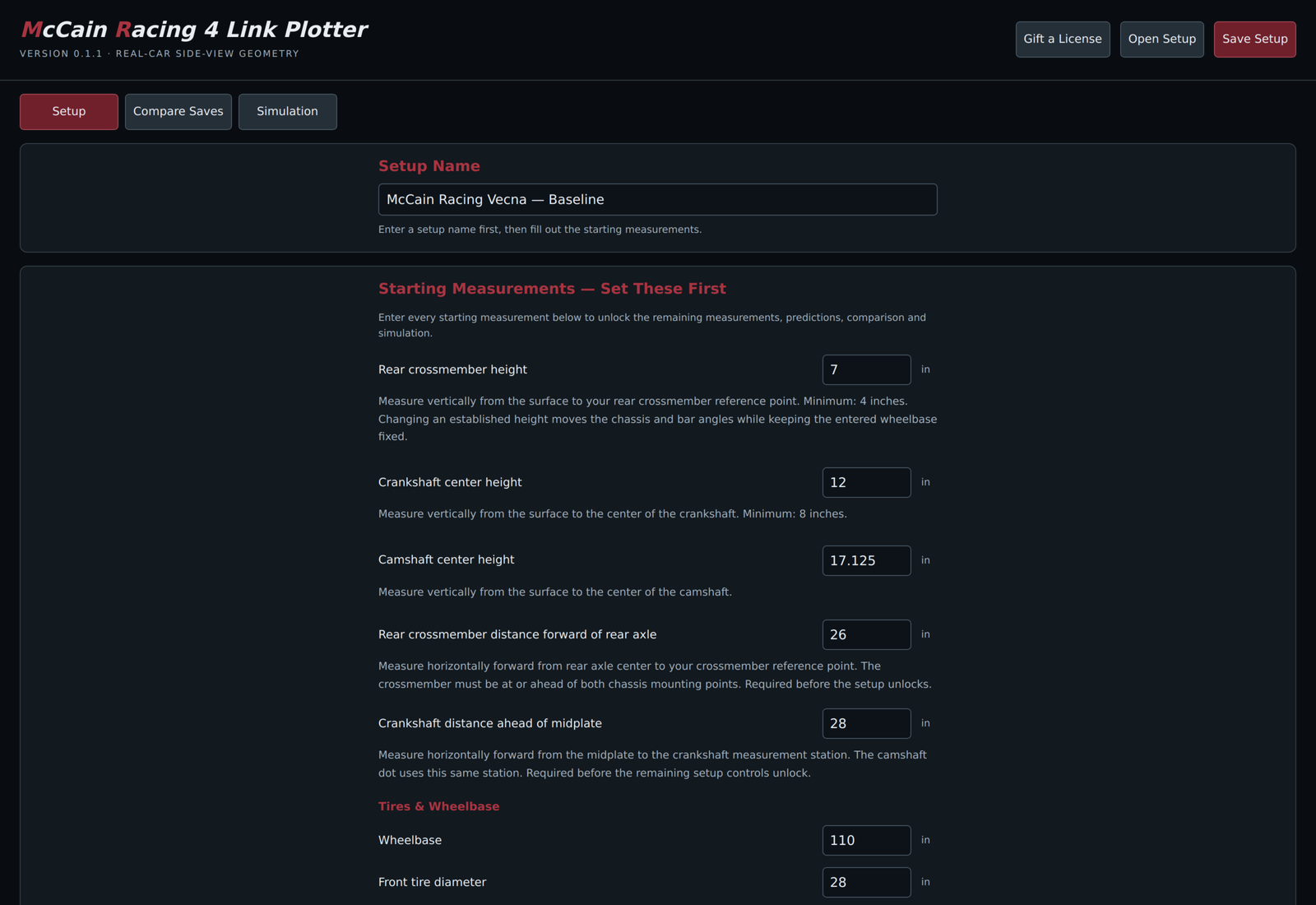
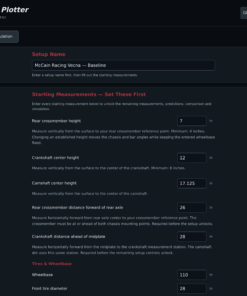
- Name your setup. Enter a name that makes the setup easy to identify later.
- Enter your starting measurements. Fill in every starting measurement to unlock the remaining fields. Measure heights from the same level surface, with crankshaft and camshaft heights measured to their centers.
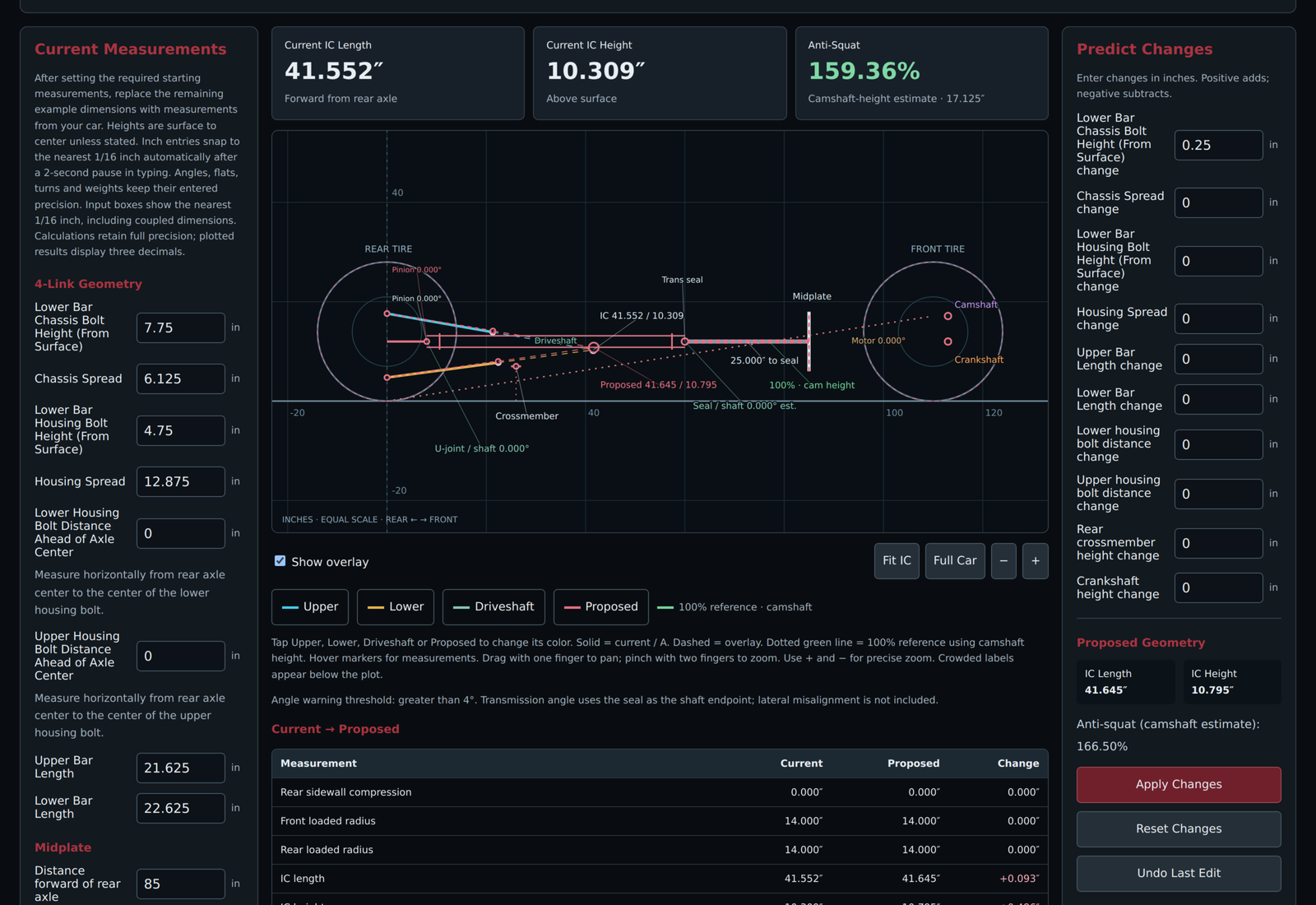
- Enter your four-link measurements. Add your bar lengths, bolt heights, and bracket spreads. The graph will show your setup and instant center.
- Save your setup. Click Save Setup, choose where to save the file, and give it a name you’ll recognize.
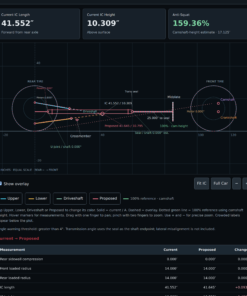
- Try proposed changes. Use Predict Changes to see how adjustments affect your instant center before changing the car.
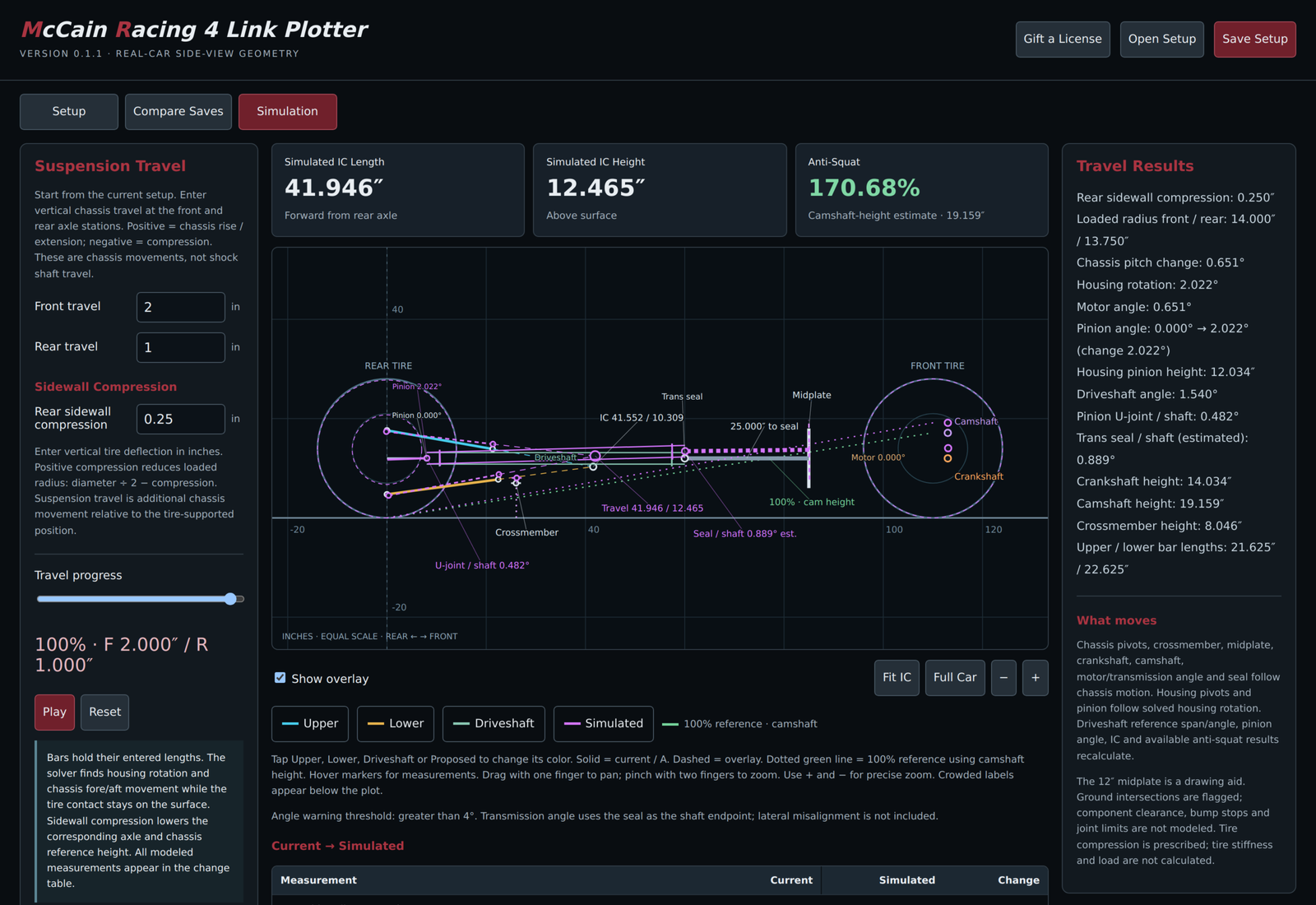
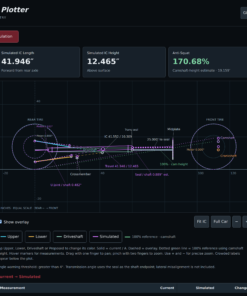
- Compare and simulate. Load up to 10 saved setups in Compare. Use Simulation to preview front and rear travel and rear tire sidewall compression.
- Add your notes. Record rear steer, preload, anti-roll bar preload, corner weights, and anything else you want to remember.
License information
Each license allows one computer at a time, with up to 30 days of offline use between successful online checks. To switch computers, select Deactivate This Computer on the old computer, then activate the same key on the new one.
The displayed anti-squat percentage uses camshaft height as its reference, rather than a measured vehicle center-of-gravity height.
Questions or installation help? Email ryan@mccainracing.com.


Reviews
There are no reviews yet.