
 Men’s Merch
 Women’s Merch
 Custom Products
 Kids
Kids RACE Producs
 Brisk
Brisk Motion Raceworks
 Chilly Willys
 Simpson
 Pro 1 Saftey
 Nitrous Outlet
 Fuel Injector Connection
 Menscer Motorsports
 Speedwire
 Holley
 The Hopped Up Pump
 Extreme Brand
 Davis
Davis Innovative Racecraft
 Ready To Load
$40.00
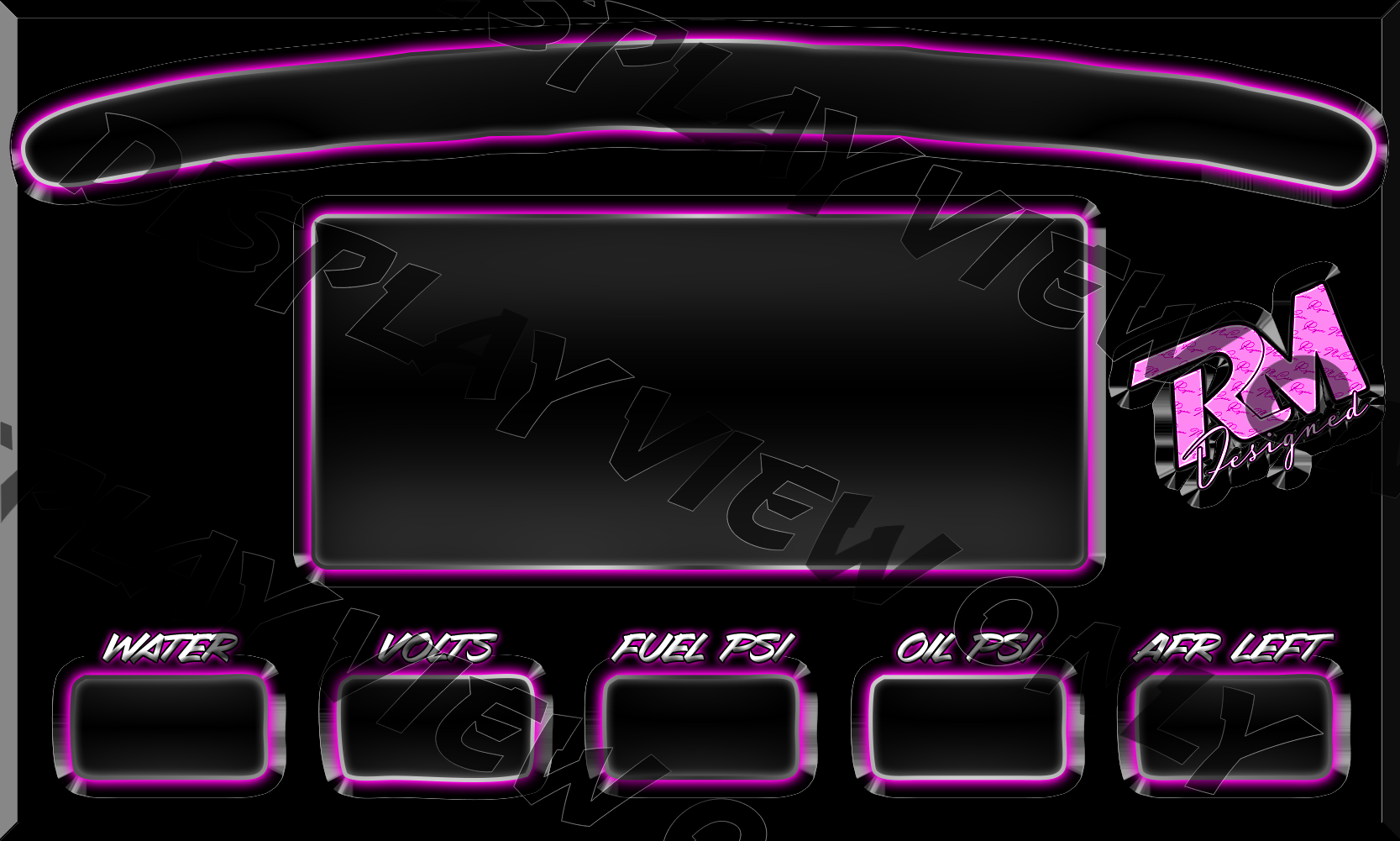
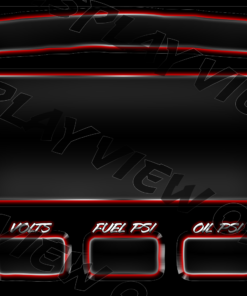
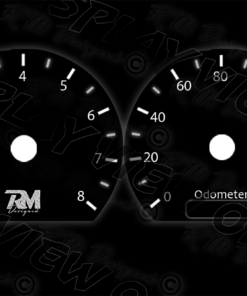
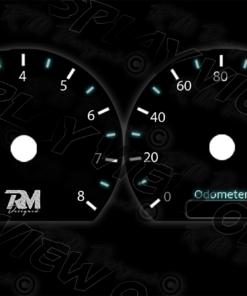
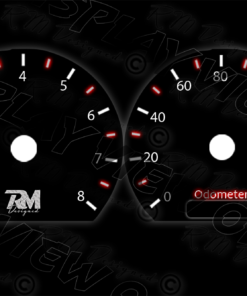
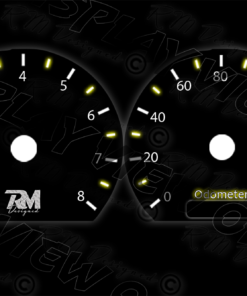
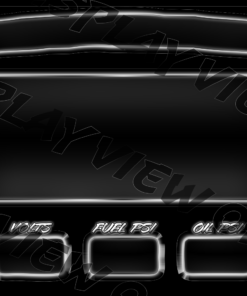
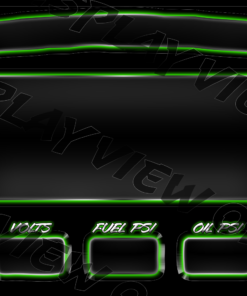
Style your Holley Efi 7 Inch Dash with a custom “Stang” display! This is factory foxbody instrumental cluster look alike but packed into a modern dash! For instructions on how to change a gauge, navigate to the youtube video posted.
For any questions contact us at Facebook / McCain Racing or Facebook / RMTuned
Thanks for Shopping!
***One download per purchase
Instructions:
- Once file is purchased, download both the INI file and PNG
- Plug in a flashdrive
- Locate the downloaded file (usually > This PC > Downloads)
- Copy both the INI file and PNG to the plugged in flashdrive
- Once the files are on your flashdrive safely remove it
- Plug flashdrive into Holley 7 inch dash usb cable
- Power on the dash
- Verify that the eject button is located in the bottom right hand corner of the screen
- Once verified touch the screen then click the menu option in the upper right hand corner of the screen
- Once in the menu click the customize menu option
- Touch an open section on your screen and click layout > clear
- After clearing the layout you can now add the downloaded file
- To do so > click anywhere on the blank screen > layout > import > filename (ex. fox blue.ini)
- If the background file can’t be found for whatever reason you’ll have to had it in (png 2nd file you grabbed)
- Touch the screen > background > change > file will be there
Thanks for the business!
Reviews
There are no reviews yet.